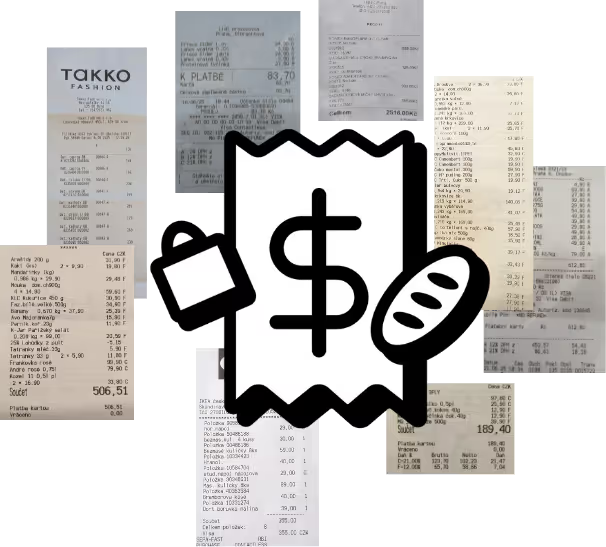
Like any system, Zespr can occasionally make a mistake — but most of them are easy to avoid with a good photo of your receipt. The key is a sharp, easy-to-read image.
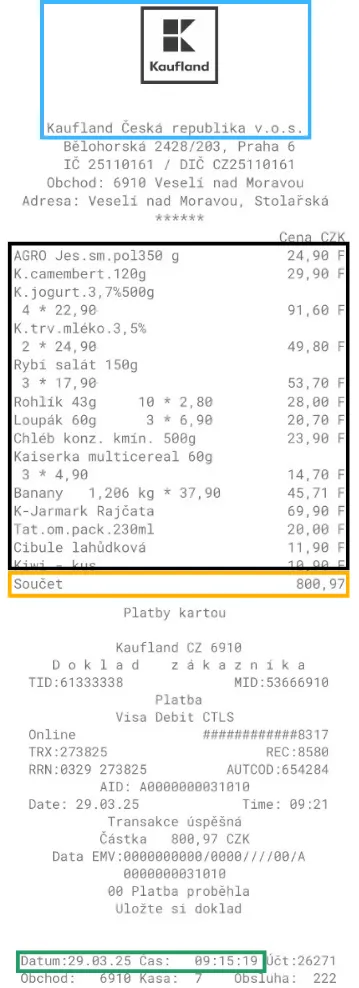
For the system to process a receipt correctly, the photo needs to clearly show all the items, their prices, and the total amount. On top of that, Zespr automatically recognizes the merchant and the purchase date. If those details are not on the receipt or cannot be read, you can add them manually right in the app.
There is no need to photograph the card payment confirmation or the store’s address — Zespr does not collect that information. No paper receipt? You can also share it from a loyalty app or add it manually.
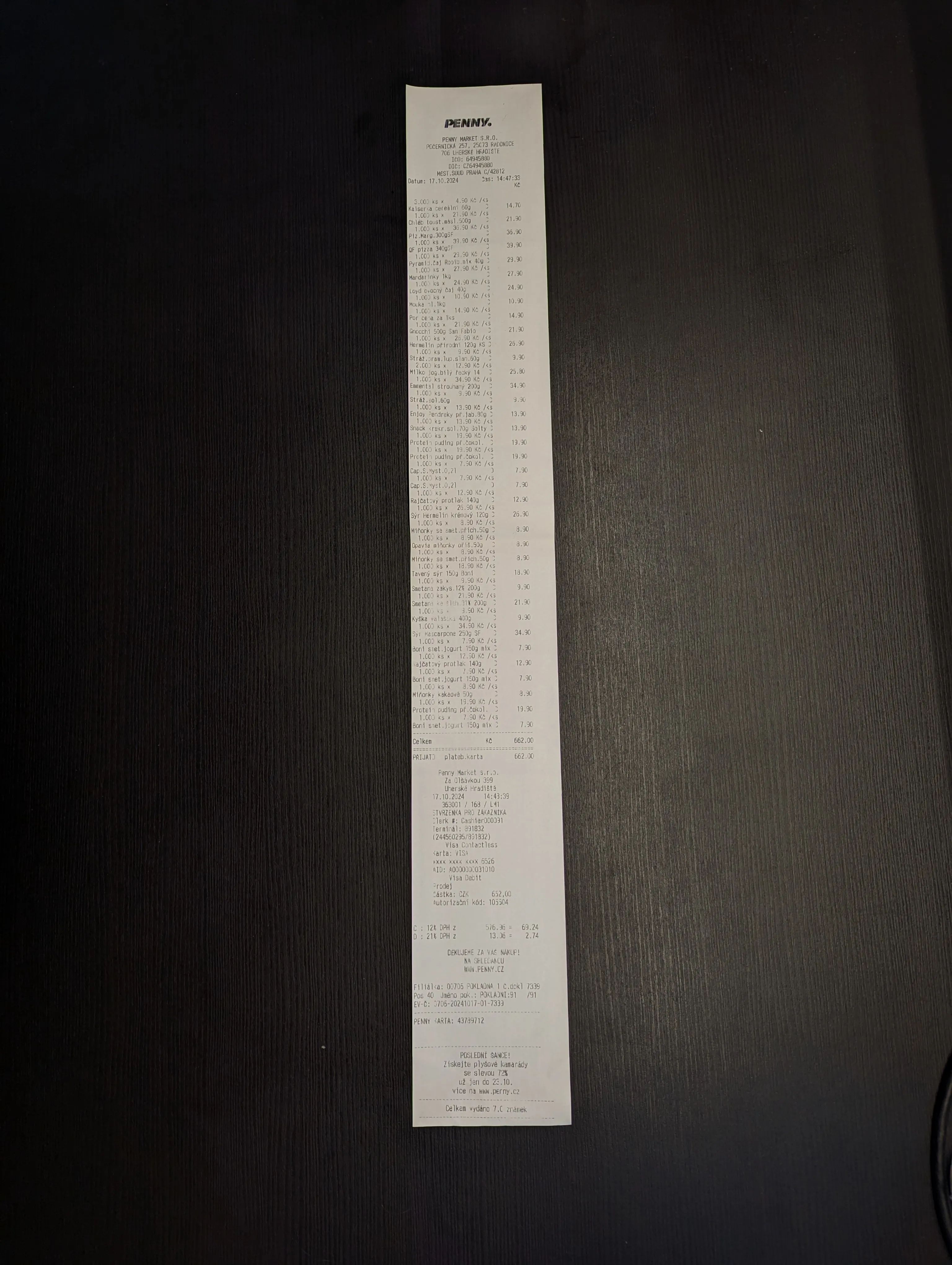
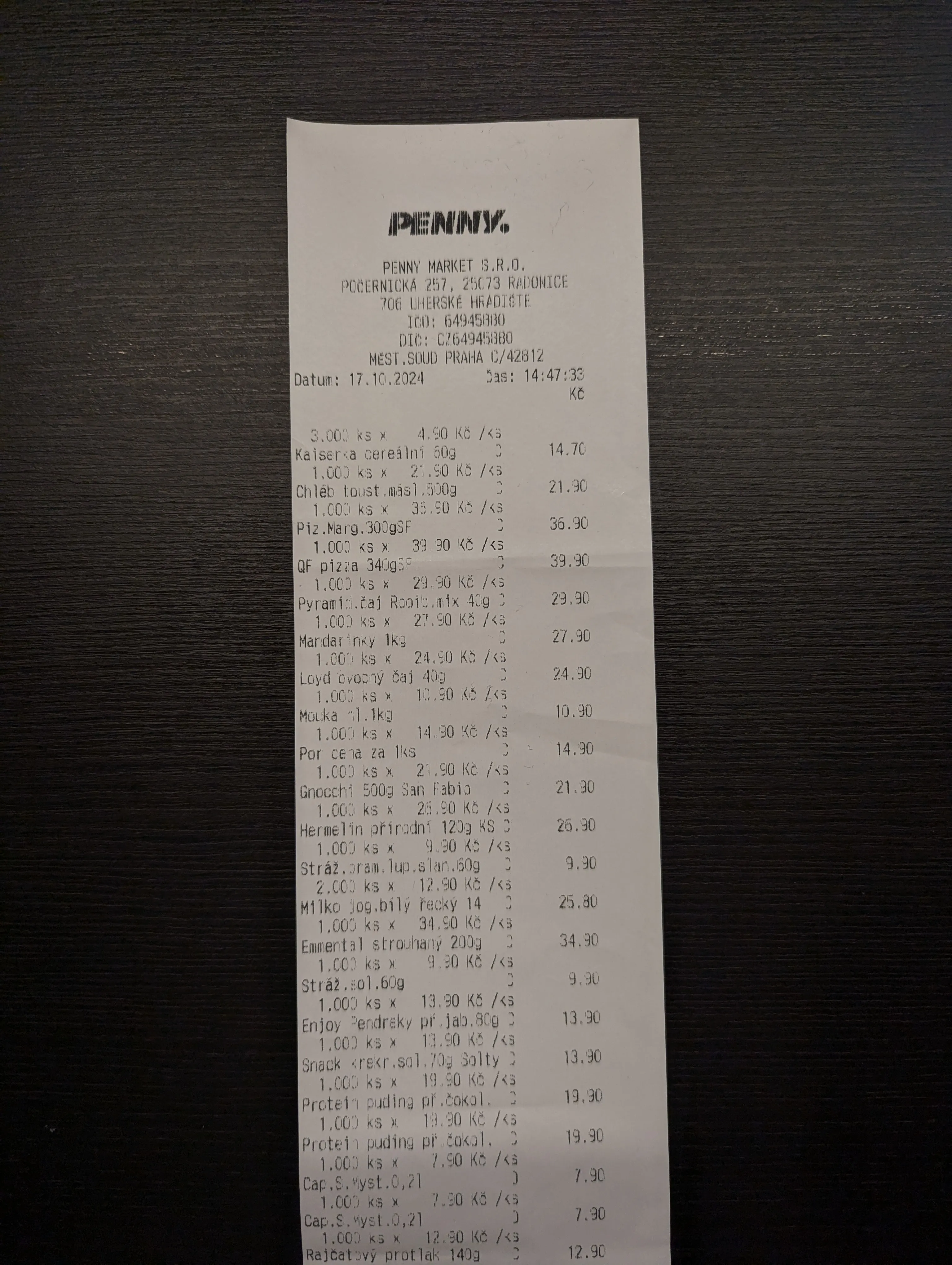
For long receipts that will not fit in a single photo, you can take up to three shots of one receipt. We recommend this whenever you would otherwise have to shoot the receipt from far away, leaving the text harder to read. Three sharp, close-up shots are better than one blurry photo of the whole receipt.
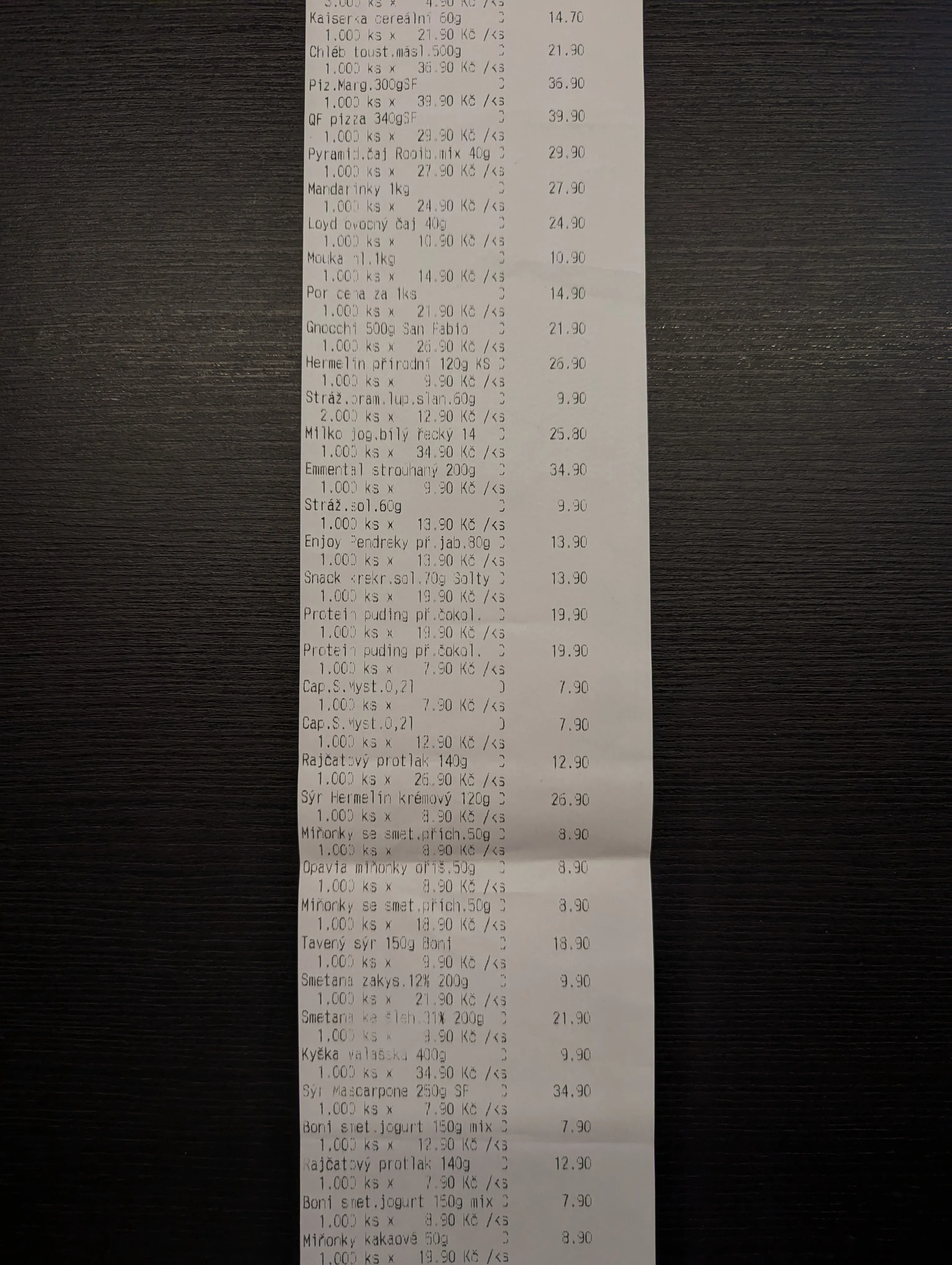
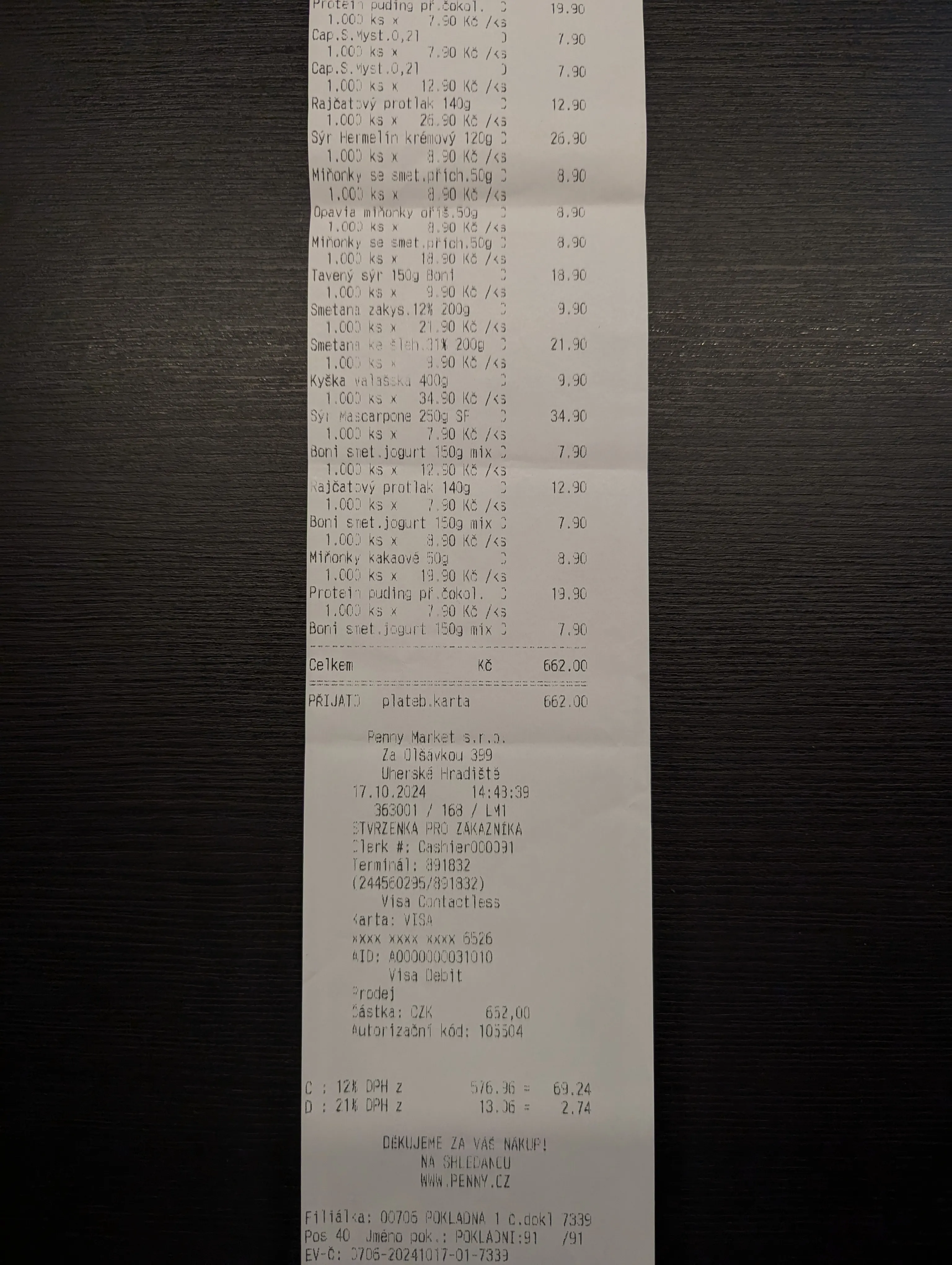
Summary
- Keep the text sharp and readable.
- Capture every item and price.
- Make sure the total amount, the merchant, and the purchase date are visible.
- For long receipts, use up to three photos.
Photos taken this way help Zespr process your receipts as accurately as possible. And once a receipt is processed, Zespr can automatically track your warranties and remind you of return deadlines.